Take control with our cloud-powered billing software. Automate invoices, track sales, manage customers, and monitor your business performance—all in one modern SaaS platform designed for speed and simplicity.
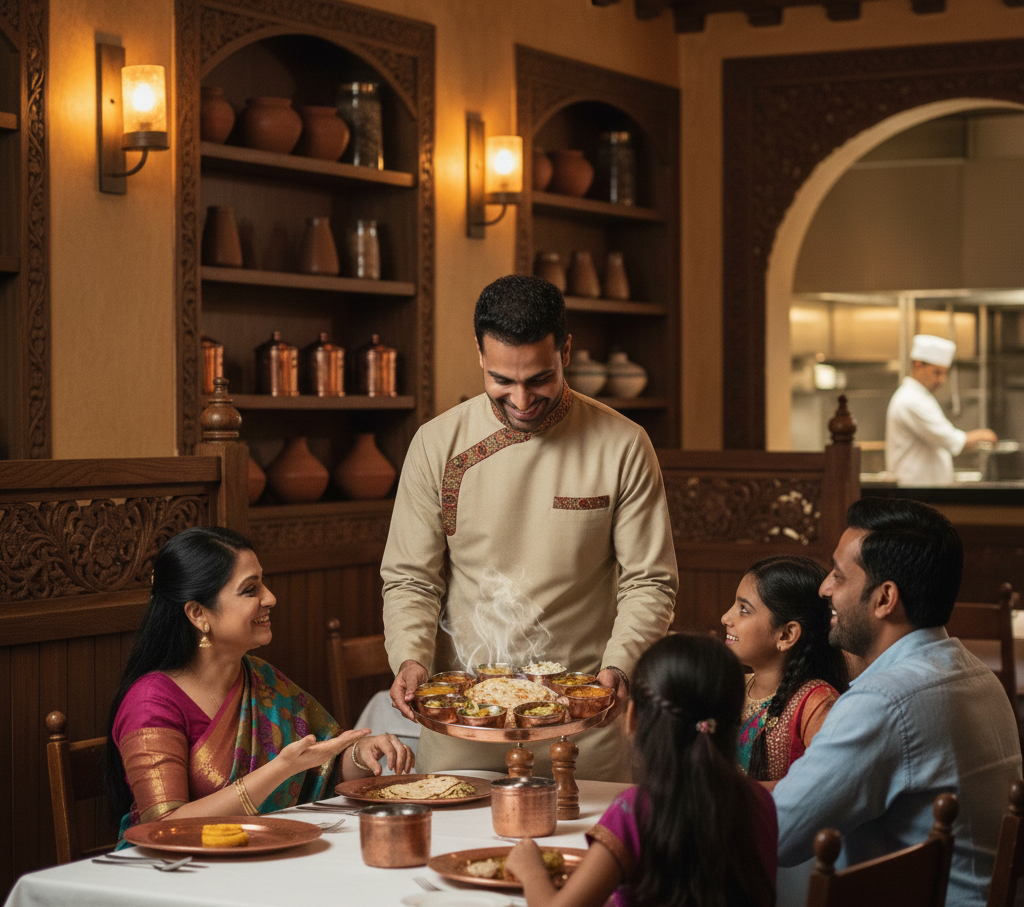
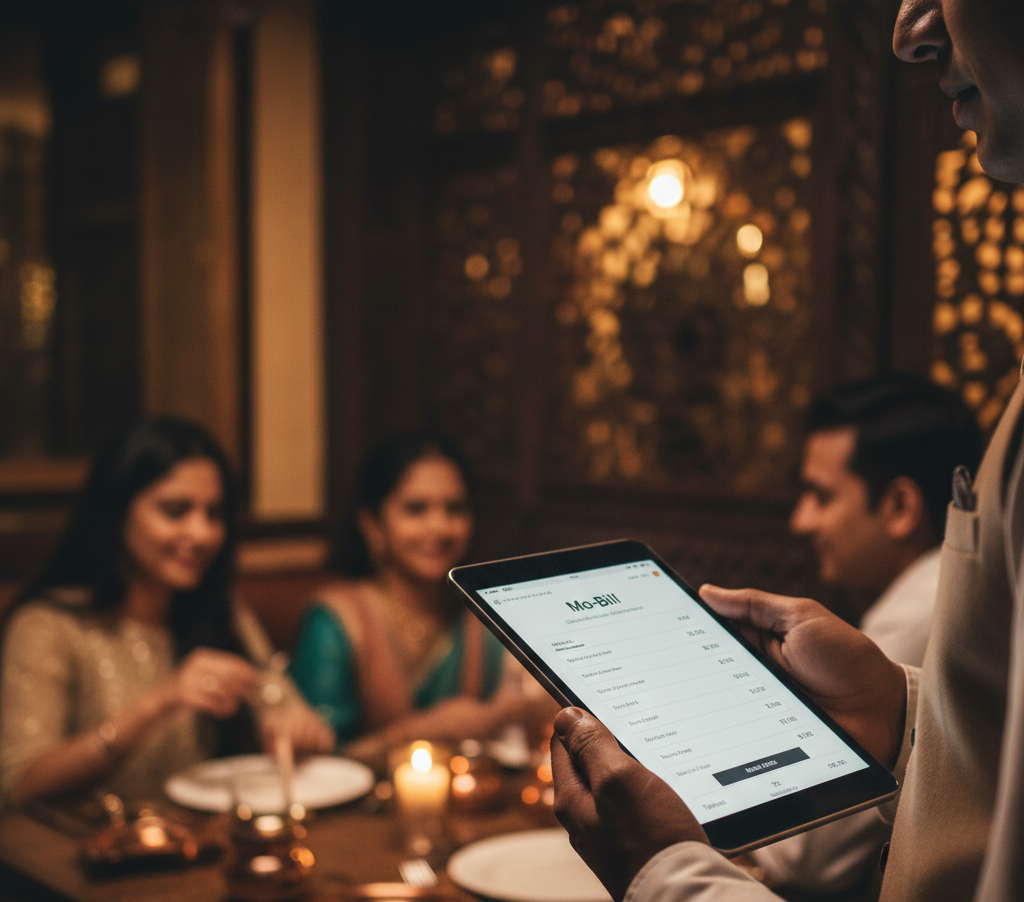
Mo-Bill is a smart, modern, and easy-to-use billing solution designed to simplify restaurant operations. From order taking to KOT management, billing, payments, memberships, and customer engagement—everything is made faster, smoother, and more efficient. Built as a powerful SaaS platform, Mo-Bill helps restaurants handle daily operations with ease through a clean, intuitive interface.
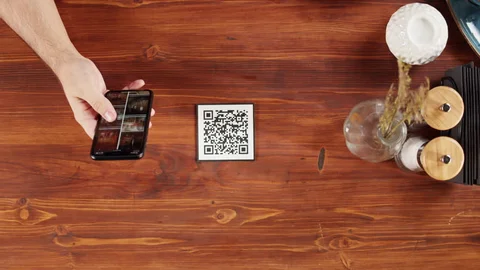
Our billing system is designed to modernize restaurant operations with efficiency, accuracy, and ease of use. From real-time KOT management to seamless bill generation, every feature is built to simplify the daily workflow of restaurants and retail businesses. Customers can place orders directly through QR codes, while barcode scanning makes item entry quick and error-free. The system also includes a powerful membership module, flexible tax customization, and a fully mobile-responsive interface for effortless order handling on any device. We continue to evolve our platform to deliver a smarter, faster, and more intuitive billing experience.
Watch how our billing system works in real-life scenarios—from taking customer orders and generating KOTs to preparing the final bill with taxes, discounts, and payment breakdowns. This video demonstrates the complete workflow used by restaurants, cafés, and fast-service outlets, showing just how fast, simple, and efficient our platform makes daily operations.
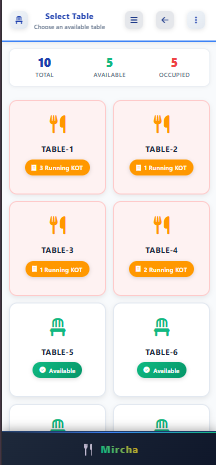
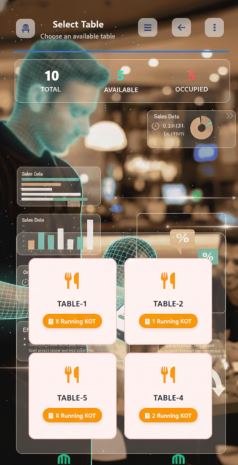
Quickly manage tables, switch between them, restore unsubmitted KOTs, and track active orders in real time.
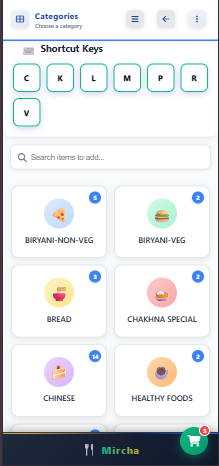
Set item-wise pricing, availability, shortcut keys, and stock status per counter without changing items for other counters.
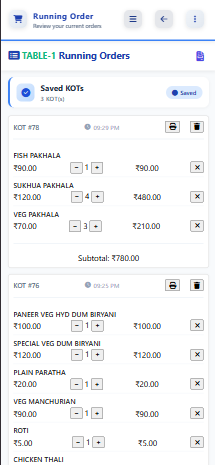
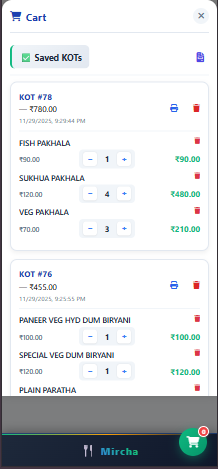
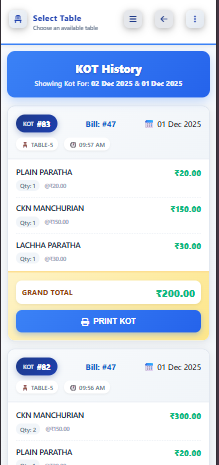
Generate KOTs/Tokens instantly, merge multiple KOTs/Tokens, track served items, and reprint KOTs with one tap.
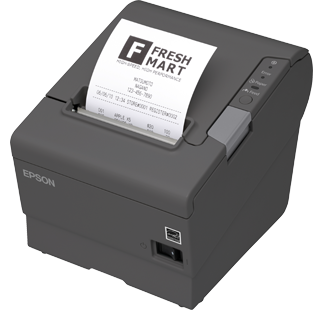
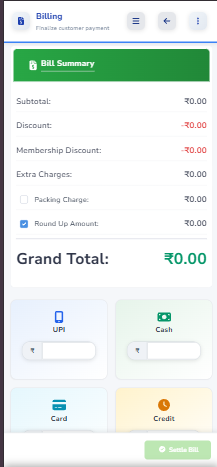
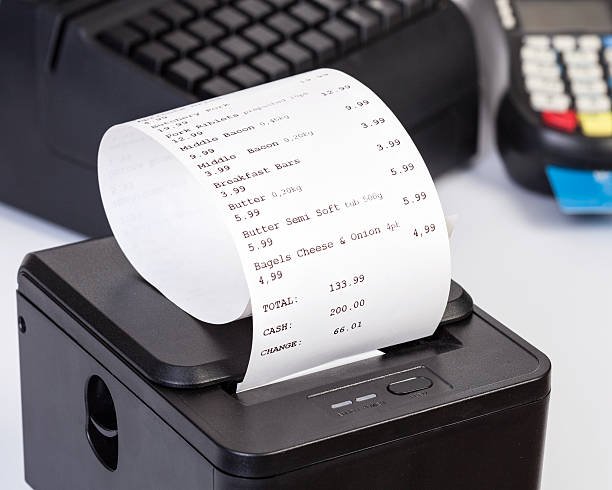
Auto tax calculation, rawBT printing, rounding, membership discount, flat discount, and final total printed beautifully.
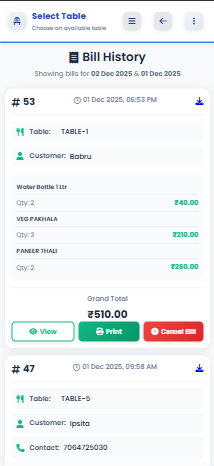
Daily sales, credit reports, customer bill history, top-selling items, membership reports, counter-wise reports and more.
Manage multiple counters, assign tables to counters, give role-based access, and secure operations using permissions.
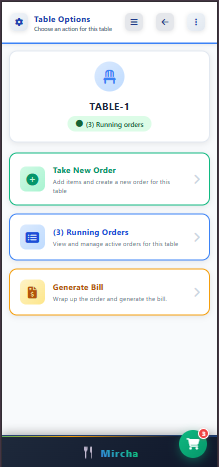
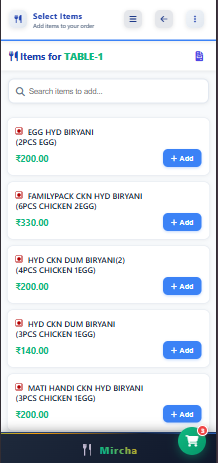
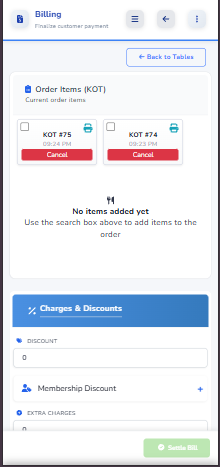
Explore a visual walkthrough of our billing system. These screenshots showcase each step of the process—from managing tables and creating KOTs to generating invoices, applying discounts, tracking payments, and completing the final bill settlement. The interface is designed to be simple, fast, and efficient for day-to-day restaurant operations.
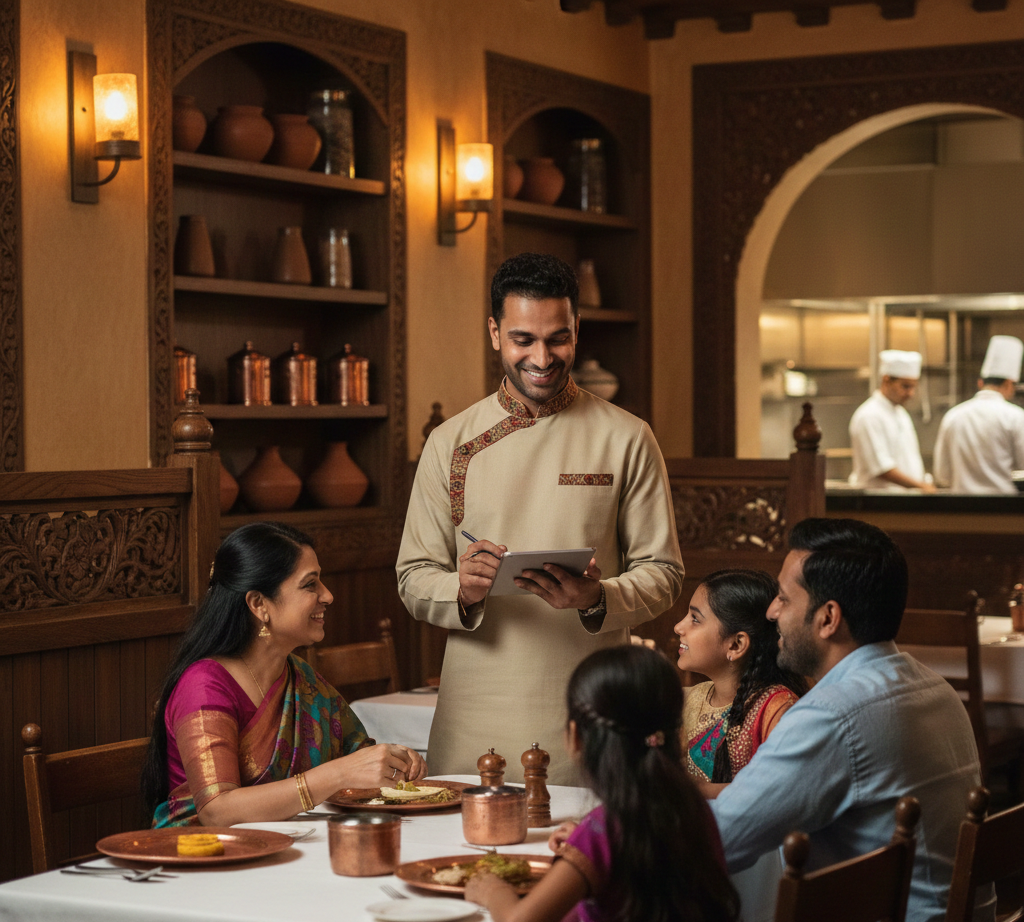
Discover our stunning collection of moments, memories, and experiences captured through our lens
Our system generates KOTs in real time and sends them directly to the kitchen. Every order update—add, remove, or modify—syncs instantly, ensuring accurate communication between staff and kitchen.
Yes. Customers can scan a QR code, browse the digital menu, and place orders directly from their mobile device. These orders sync automatically into the KOT and billing panel.
Absolutely. Barcode scanning allows staff to quickly add items, making billing fast, efficient, and error-free—especially in high-volume counters.
Yes. You can configure multiple tax slabs such as CGST, SGST, and service charges. Taxes can be enabled or disabled item-wise or bill-wise based on your requirements.
Yes. Membership types can be created and assigned discount percentages. At billing time, entering a valid membership number automatically applies the assigned discount.
The entire interface is mobile-friendly, allowing staff to manage orders, KOTs, and billing smoothly from any device—phones, tablets, or POS machines.
Out-of-stock items are automatically disabled from billing, POS selection, QR menu, and shortcut keys. They remain unavailable until stock is updated again.
The system supports cash, UPI, card, credit, and split payments. You can mix and match multiple payment modes within a single bill.